Download Guide<
The following is a step-by-step guide on how to access the downloads of Dj. Surda‘s website. Simply “like” Dj. Surda‘s Facebook page. Keep up to date with the latest news and get exclusive downloads by subscribing to the newsletter.
Thanks for supporting Dj. Surda!
First, make sure that your firewall is disabled and that pop-ups are allowed, then choose the most suitable option and follow instructions:
I have never “liked” Dj. Surda‘s Facebook page.
Paso #1
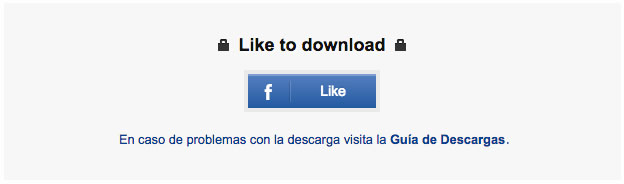
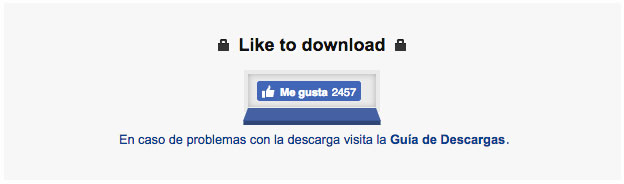
Click on the blue Facebook Like icon.
Paso #2
Click on the Like button that appears.
Paso #3
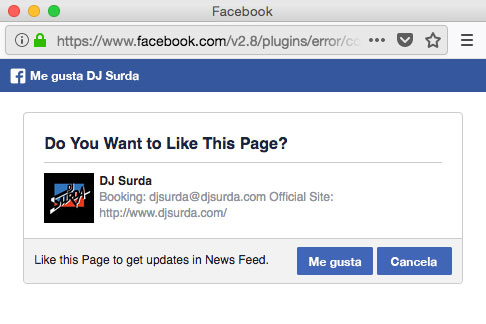
Confirm and wait while your request is being processed.
Paso #4
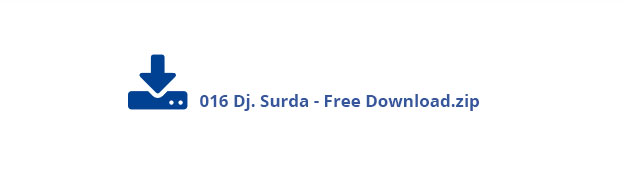
In a few seconds you should see a download link resembling the one in the picture.
Paso #5
Click on link to initiate download.
I am unable to download content despite having previously “liked” Dj. Surda‘s Facebook page.
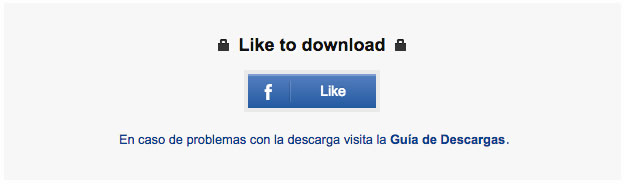
Paso #1
Place cursor above the blue Facebook Like icon.
Paso #2
Click on the appearing Like button in order to undo the confirmation sign (seen).
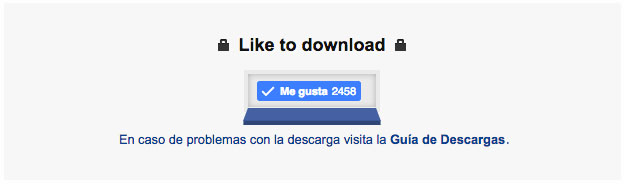
Paso #3
Refresh window and make sure that the Like button is not checked. If it is, re-start browser. Once done, click on the Like icon.
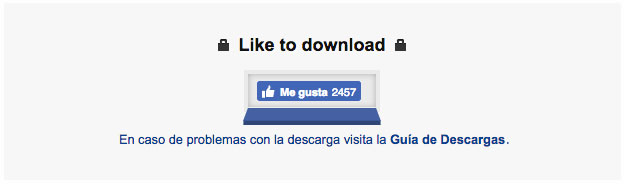
Paso #4
Confirm and wait while your request is being processed.
Paso #5
In a few seconds you should see a download link resembling the one in the picture.
Paso #6
Click on link to initiate download.
If you are still experiencing trouble with downloads, contact Dj. Surda via email at download@djsurda.com.